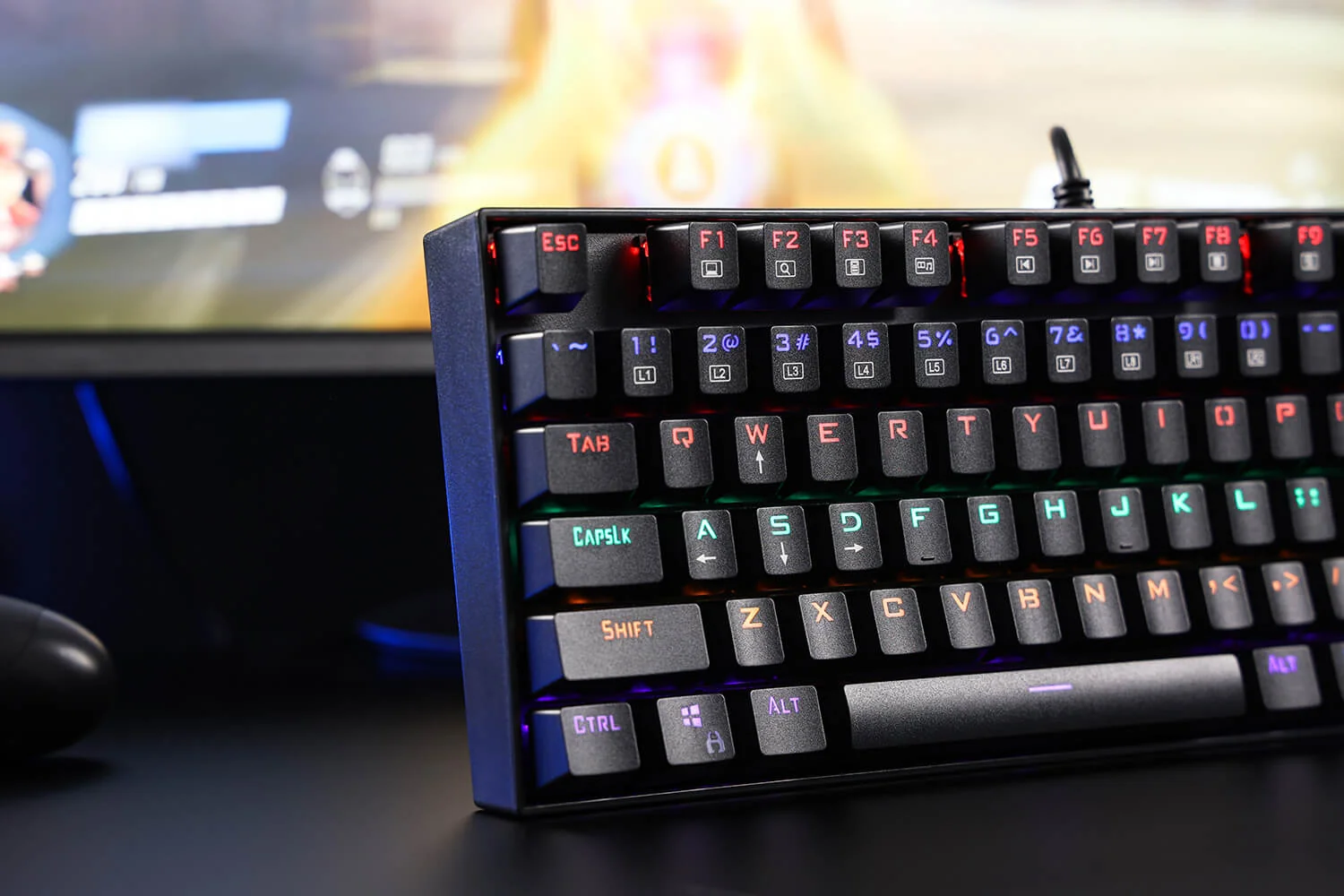
Overview: a cheap mechanical keyboard that understands the assignment
The Redragon K552 is not a hidden flagship; it is a 35 USD mechanical keyboard that spends its tiny budget in the right places. You buy it because you want real switches, a tenkeyless layout, a rigid metal plate, and plug-and-play lighting without paying for wireless, software suites, macro columns, or a volume roller.
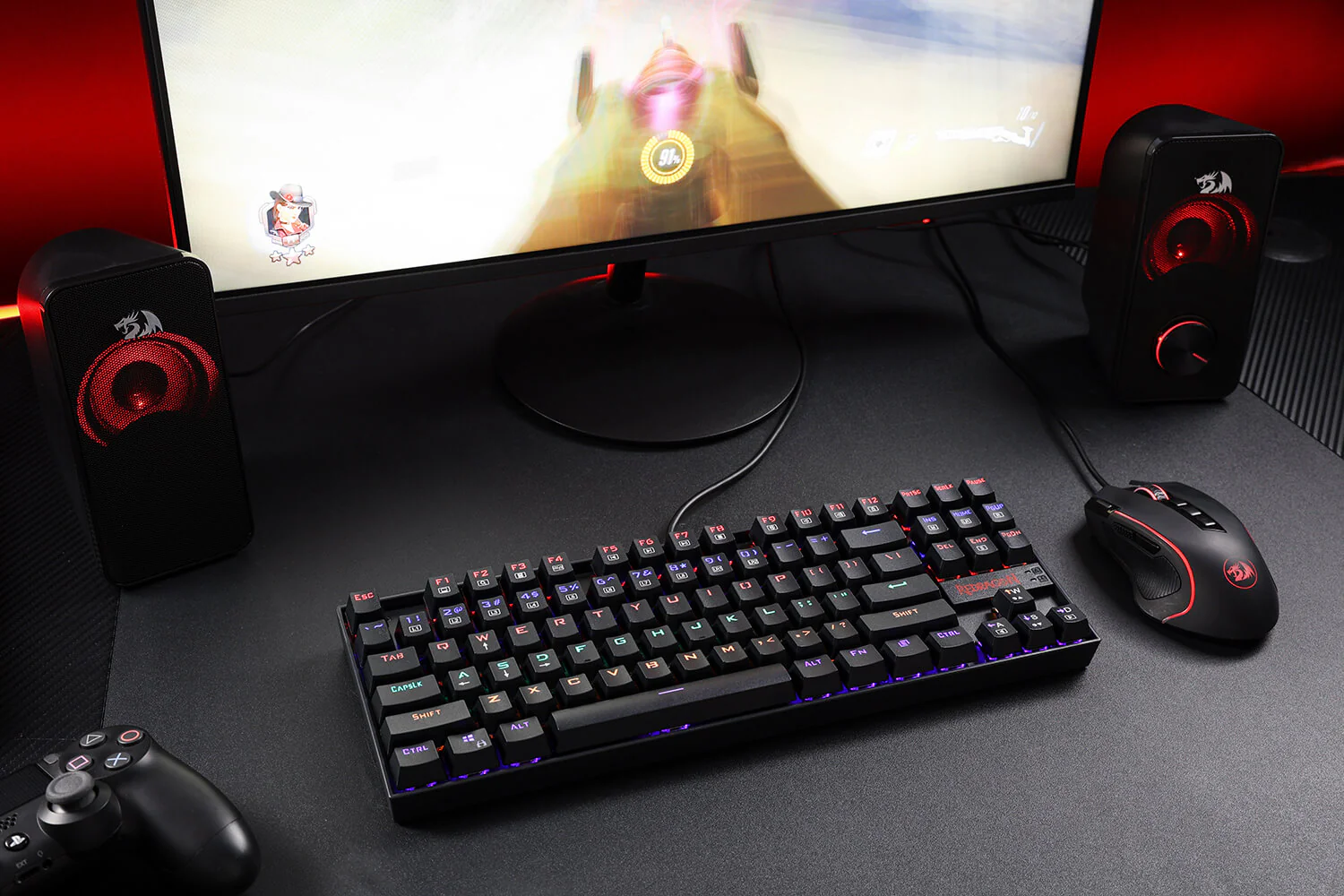
Redragon (Manufacturer product image)
That clarity is why the K552 remains easy to recommend to the right buyer. It gives you Outemu Blue, Red, or Brown switches at purchase, a TKL body with 87 keys, a 1000Hz polling rate, 26-key anti-ghosting, a braided USB-A cable, rainbow backlighting, and a 910g chassis built around a metal mounting plate. Those are the features that change the daily feel of a budget gaming keyboard. The missing pieces are also obvious: no per-key RGB, no full N-key rollover, no dedicated media keys, no USB passthrough, no detachable cable, and no premium switch smoothness.
The result is a keyboard with a narrow but useful promise. If you are replacing a membrane board and want a genuine mechanical feel at the lowest sensible price, the K552 is one of the few cheap boards that does not feel like a toy. If you already know you care about acoustics, smooth stabilizers, software macros, hot desk setups, or silent typing, you should skip it and spend more.
Design, build, and setup: compact, heavy, and refreshingly simple
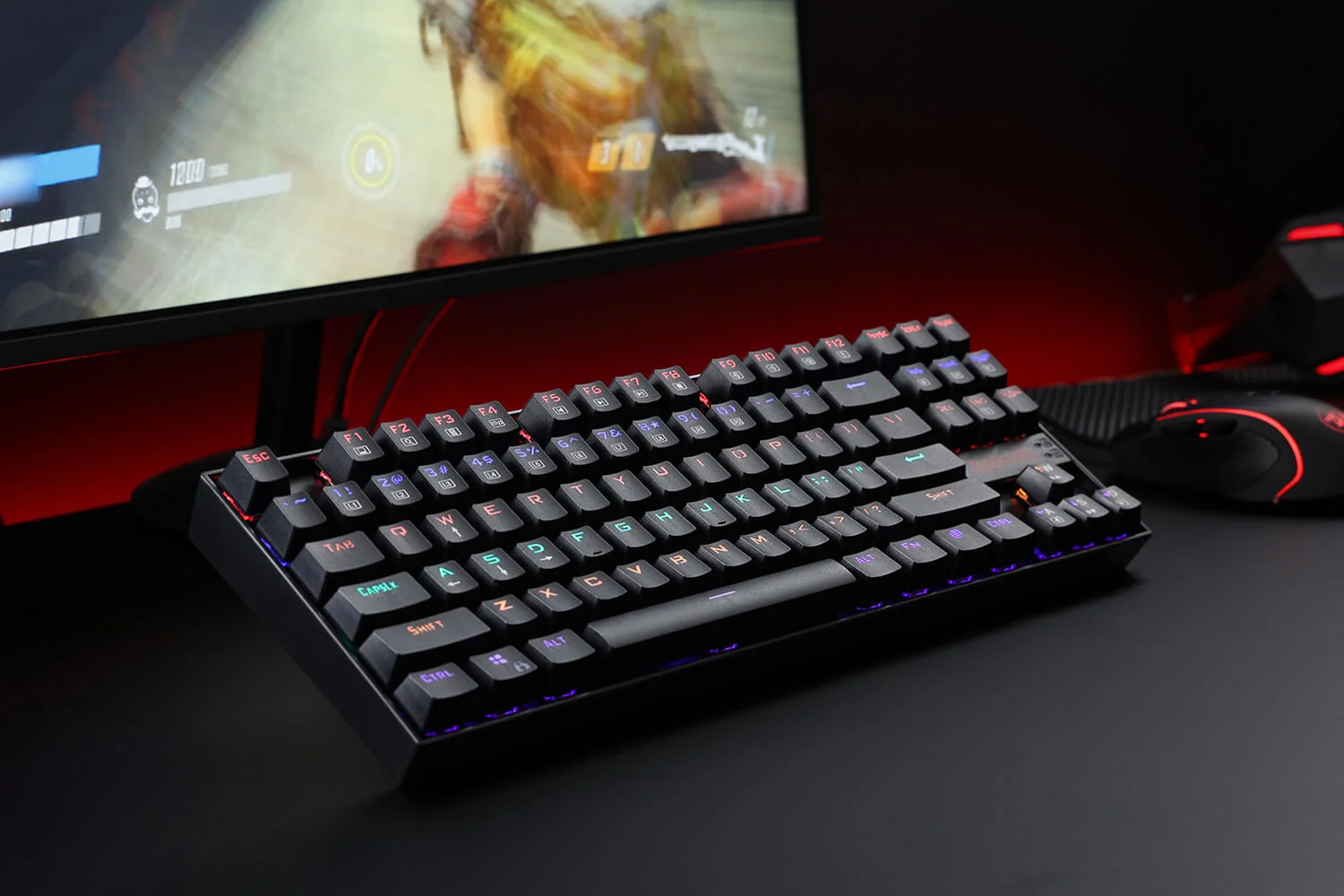
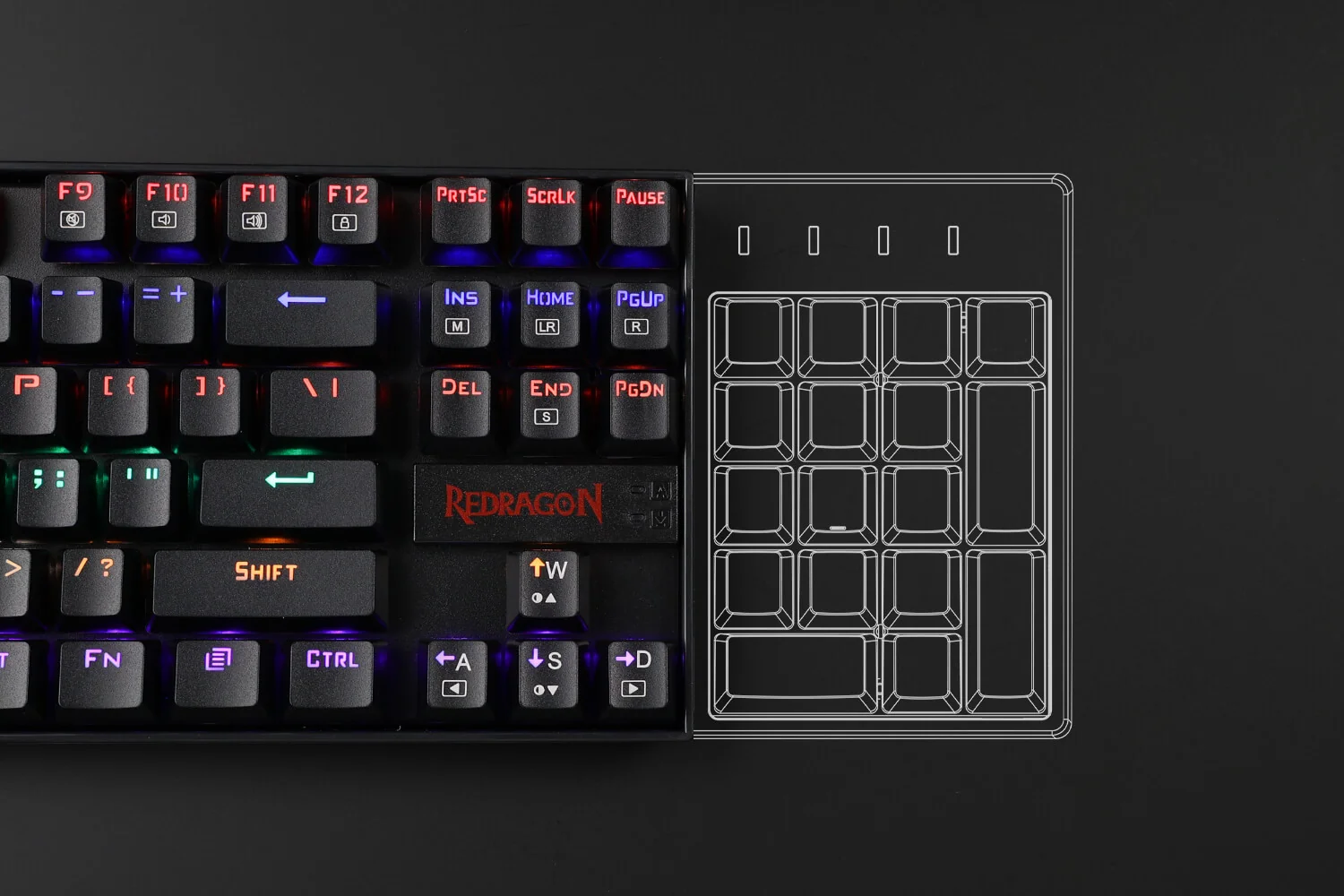
The K552 uses a tenkeyless layout, so it removes the numpad and keeps the function row, arrows, and navigation cluster. That makes it far easier to position a mouse comfortably than a full-size gaming keyboard, especially on small desks. The board measures 355 x 131 x 37mm, which is compact enough for gaming setups where mouse space matters but not as cramped as a 60 percent keyboard that hides arrows and function keys behind layers.
Redragon (Manufacturer product image)
The build is the best part of the product. A metal mounting plate sits above an ABS body, and that plate changes both feel and sound. Budget keyboards with all-plastic construction can flex when you press hard near the center. The K552 feels firmer because the switches are anchored to metal, and the 910g weight helps the board stay planted when you are gaming without a desk mat. It is not a premium aluminum case, but it has the kind of desk stability that many 35 USD peripherals lack.
The ABS shell and keycaps are where the budget shows. ABS caps can develop shine on heavily used keys, and the legends may fade after 6–12 months of hard use. That is not a surprising defect; it is one of the compromises that gets the keyboard to this price. If you type for work all day and care about long-term keycap texture, a board with better caps is worth considering. If this is a first mechanical keyboard or a gaming-first purchase, the wear is tolerable.
Setup is nearly nonexistent. The K552 connects over USB-A with a braided cable and does not require software. Lighting modes and secondary functions are controlled through Fn combinations on the keyboard itself. That is good for buyers who do not want another background utility running, and it is helpful on shared computers, school machines, or simple gaming PCs where installing peripheral software is a nuisance.
The fixed cable is the most annoying design compromise. Braiding is better than a thin rubber lead for durability, and the cable used here has been described around 1.8m in length, which is enough for normal desktop routing. But it is not detachable. If you like clean cable channels, swap keyboards often, or carry a board between locations, a removable USB-C cable is much easier to live with.
Performance and real-world testing: switches matter more than lighting
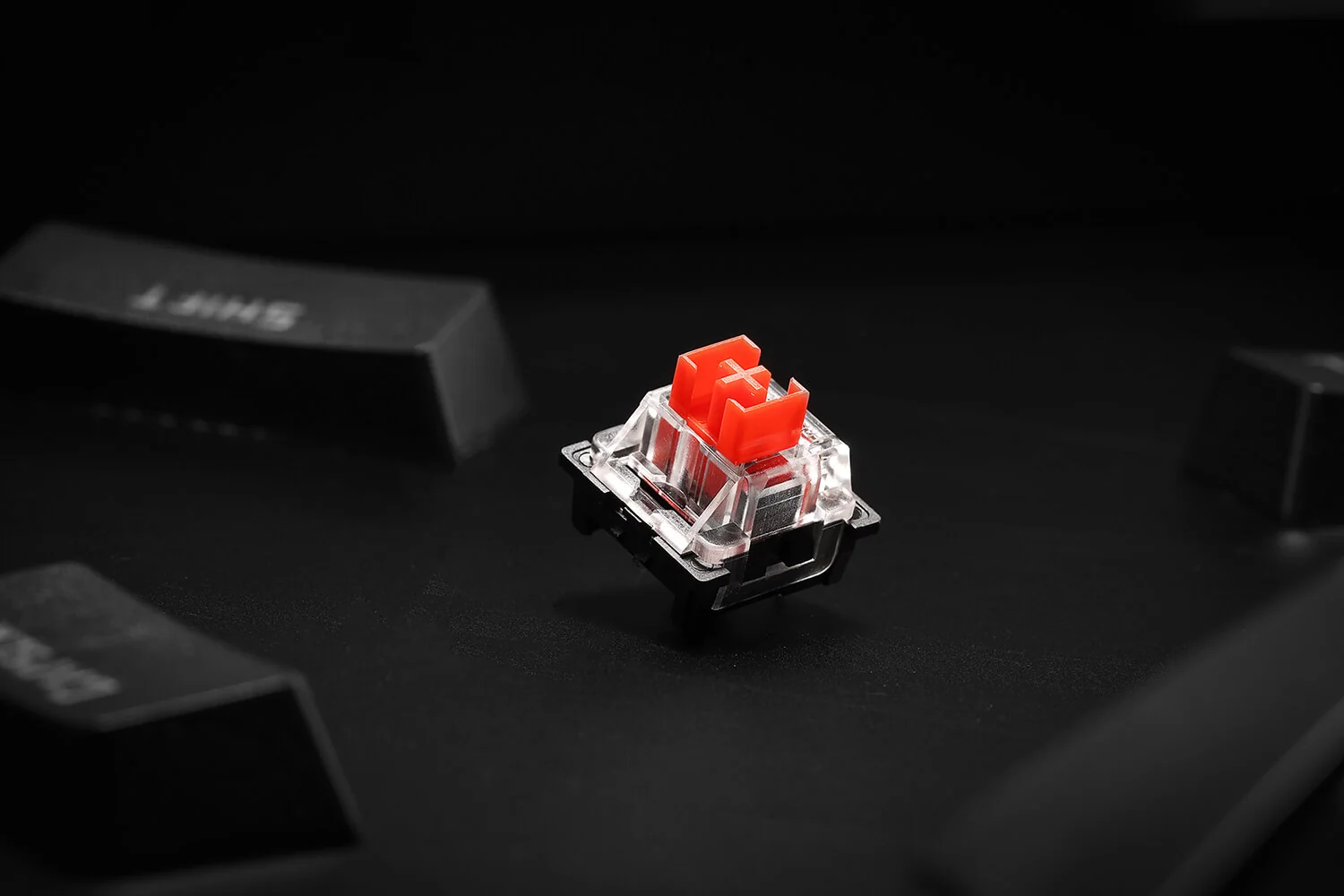
The K552 feels like a mechanical keyboard because it is one. The switch choice is the most important decision you make before buying. Outemu Blue switches have a tactile click and a 60g actuation force. They are the loudest, most dramatic option, and they make the biggest impression if you are coming from a mushy membrane keyboard. They are also the easiest to regret in a shared room.
Redragon (Manufacturer product image)
Outemu Red switches use a lighter 45g linear action. They are the safest choice for gaming because the press is smoother, quieter, and easier to repeat quickly. If you play shooters, action games, or anything with rapid strafing and repeated key taps, Red is the version I would buy. Outemu Brown switches sit between those personalities with a 55g tactile feel and less click noise than Blue. Brown is the compromise for buyers who type a lot but do not want to advertise every keystroke.
None of the switch options feel as refined as premium Cherry MX, Gateron, or newer enthusiast switches. The Blues in particular can feel scratchier and louder than their more expensive inspiration. That matters if you have already spent time with better mechanical boards. It matters far less if the K552 is your first step away from rubber domes. The main mechanical ingredients are present: a defined actuation point, spring return, a crisp bottom-out on the plate, and more consistency than a cheap membrane board can provide.
Gaming performance is stronger than the price implies. A 1000Hz polling rate means the board reports input every 1 ms, which is the same headline polling interval many pricier wired gaming keyboards advertise. The 26-key anti-ghosting is not full N-key rollover, but it covers the combinations most players actually press: movement keys, crouch, jump, reload, push-to-talk, and modifiers. If you play rhythm games or deliberately hold unusual clusters across half the keyboard, the limitation can matter. For mainstream shooters, MOBAs, RPGs, and casual competitive play, it is unlikely to be the thing holding you back.
The rainbow backlight is useful but basic. It is not per-key RGB, so you cannot assign different colors to every key or build game-specific lighting profiles. Effects apply across zones or the whole keyboard, and they are changed from the board rather than software. The upside is reliability. There are no drivers to update, no cloud login, and no companion app to forget. The downside is obvious to anyone building a synchronized setup around a Razer, Corsair, Logitech, or SteelSeries ecosystem: the K552 will not join that light show.
The lack of dedicated media keys is another daily-use compromise. Volume, playback, and lighting controls live behind Fn shortcuts. That is acceptable at 35 USD, but it slows you down compared with boards that have a roller or separate media cluster. The absence of USB passthrough also means the keyboard cannot act as a convenient port for a mouse receiver or headset dongle.
Redragon K552 vs Logitech, Corsair, SteelSeries, Razer, and Keychron alternatives
Compared with the Logitech G915 TKL, the K552 is blunt and inexpensive. Logitech offers a more polished low-profile experience, wireless convenience, and a much more premium desk presence. Redragon answers with a price that lets a beginner get real mechanical switches without treating the keyboard as the most expensive part of the setup.
Redragon (Manufacturer product image)
Against the Corsair K100 RGB, the difference is not subtle. Corsair is for buyers who want premium controls, deep software integration, per-key lighting, and a full-size command center. The K552 is for buyers who want keys that feel mechanical and a smaller footprint. If you need a numpad, macros, and refined software, the Redragon will feel sparse. If you mainly play games and want more mouse room, the simplicity is part of the point.
SteelSeries Apex Pro and Razer gaming keyboards aim at a different customer: someone who wants adjustable actuation, optical or high-end switch technology, better stabilizers, and richer lighting. Those boards are easier to recommend to competitive players who already know exactly what they want from a keyboard. The K552 is easier to recommend to the person buying a first mechanical board and trying to learn whether Blue, Red, or Brown switches suit them.
Keychron’s wired entry boards are the closest philosophical alternatives because they often appeal to budget mechanical buyers who want a cleaner look and broader typing appeal. Keychron is usually the direction I would send a buyer who cares about office sound and keycap quality. Redragon is the direction I would send a buyer who wants an aggressive gaming look, a planted TKL chassis, and the lowest possible entry price.
Who should buy the K552 — and who should not
Buy the K552 if your budget is tight and you want the biggest possible typing-feel upgrade per dollar. It is ideal for students, first-time PC gamers, parents buying a starter peripheral, and anyone building a secondary setup where spending heavily on a keyboard would be foolish. The 87 keys, 355 x 131 x 37mm footprint, 910g weight, and metal plate make it practical for small desks and gaming rooms.
It is also a good switch sampler if you choose carefully. Blue is for people who want clicky feedback and do not share a quiet space. Red is for gamers who want the lightest action at 45g. Brown is for buyers who split typing and gaming and want a tactile bump without the Blue switch racket.
Do not buy it if you need a numpad, quiet typing, per-key lighting, software macros, full N-key rollover, a detachable cable, or a premium switch feel. Do not buy it for an office where the Blue version will irritate everyone nearby. And do not buy it expecting a forever keyboard; the ABS caps, fixed cable, and basic lighting are reminders that this is a value board, not an enthusiast platform.
Verdict: the right cheap keyboard for the right expectations
The Redragon K552 works because it refuses to pretend. For 35 USD, it gives you the core experience people mean when they say they want a mechanical gaming keyboard: real switches, a firm plate, a compact TKL layout, a 1000Hz wired connection, and enough weight to feel stable. It cuts luxuries aggressively, but most of the cuts make sense.
The best version for most gamers is the Red switch model because the 45g linear action is easier to live with than clicky Blues. The Brown version is the safer mixed-use choice. The Blue version is fun, loud, and divisive. Pick the switch honestly and the K552 is a very strong budget buy. Expect premium refinement and it will disappoint you within a week.