Introduction
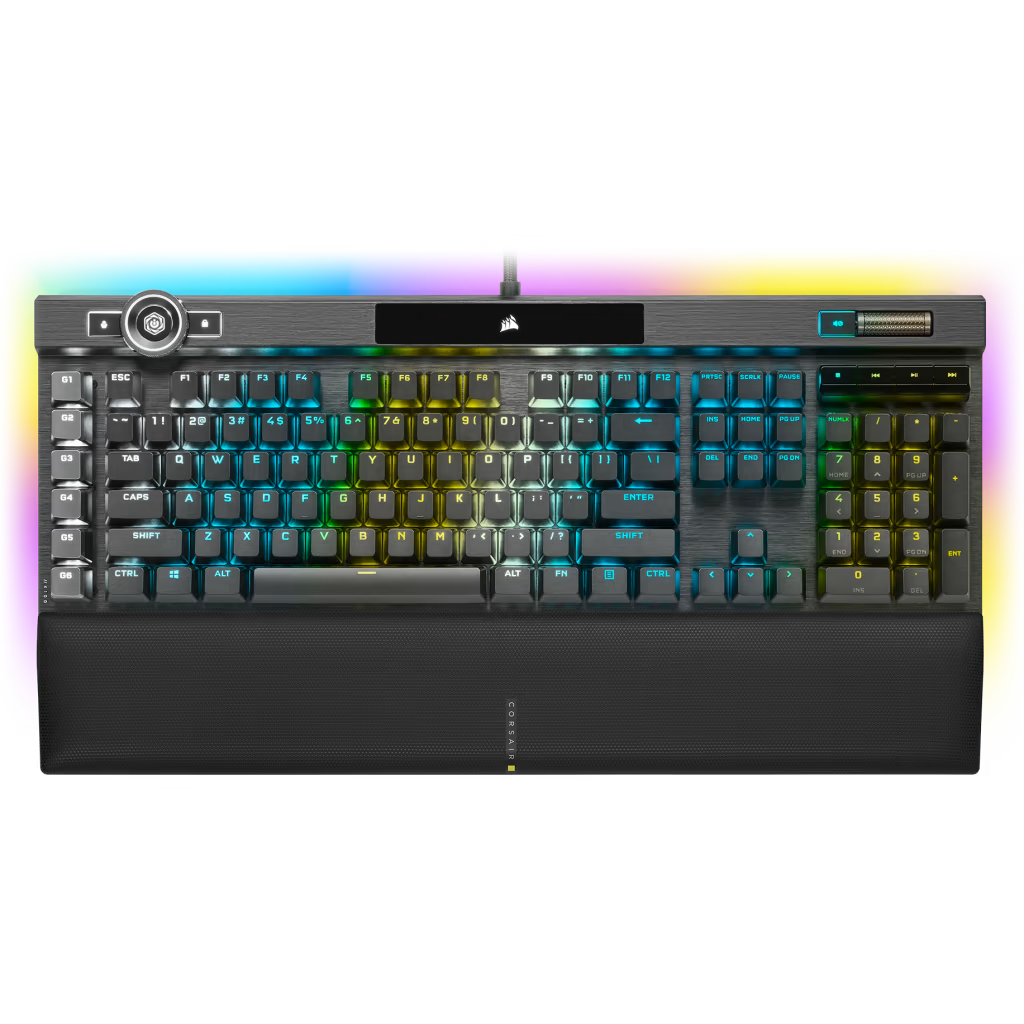
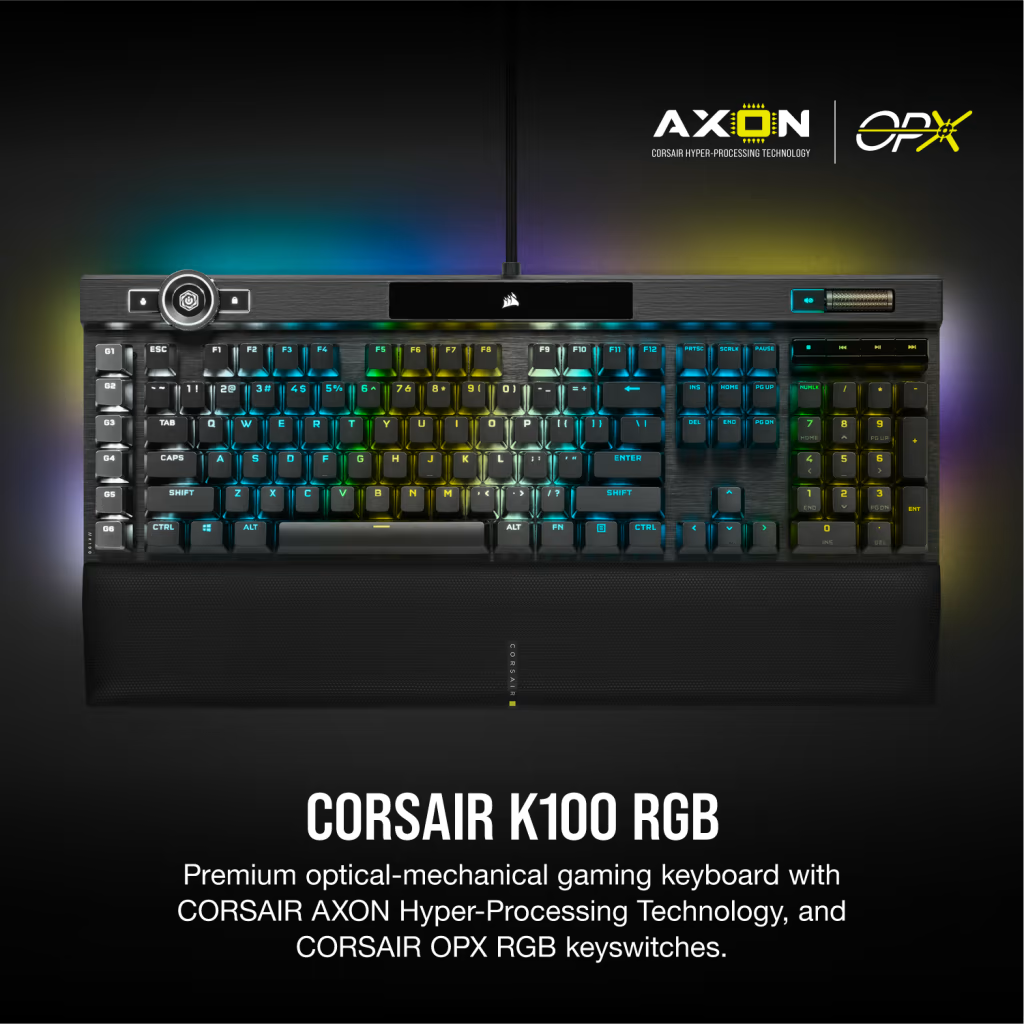
The Corsair K100 RGB does not compete on a single dimension. It is not trying to be the most compact keyboard, the most affordable, or the most niche. It is attempting to be the most complete gaming keyboard available — and by most measures, it succeeds. Optical-mechanical OPX switches, 8000Hz polling, a physical iCUE Control Wheel, 44-zone dynamic RGB per-key lighting, full aluminum construction, 6 macro keys, and a USB passthrough port constitute a specification list that no single other keyboard matches in aggregate.
The K100 is a statement product from Corsair: the culmination of the company's gaming keyboard expertise in a package designed for users who want every feature at the highest execution level, regardless of cost or desk footprint. At $229, it commands one of the highest prices in consumer gaming keyboards, and the question it must answer is whether the execution is as complete as the feature list suggests.
Typing Feel & Switches
The OPX optical-mechanical switch is Corsair's proprietary linear switch, and it represents a genuine technical advancement over traditional mechanical contacts. Rather than a physical contact closing a circuit, the OPX uses an infrared light beam interrupted by the switch stem to detect actuation. The practical results are a 1.0mm actuation point — among the shallowest available on a production keyboard — no debounce delay since there is no physical bounce to debounce, and a theoretical lifespan measured in the hundreds of millions of actuations rather than the 50–100 million cycles typical of traditional mechanical switches.
Corsair (Manufacturer product image)
The switch feel is linear throughout: a smooth keystroke from resting to 4.0mm bottom-out with the only resistance being the spring. The 1.0mm actuation means gaming inputs register from the very beginning of the keystroke, and the 45g actuation force is light enough for fast gaming input without being so light that accidental actuations become frequent.
For pure gaming, the OPX is excellent. For typists who depend on tactile feedback to signal actuation without bottoming out, the absence of a tactile bump is a genuine limitation. Corsair does offer the K100 with Cherry MX Speed (linear) switches as an alternative, but neither variant offers tactile or clicky options — buyers with those preferences should evaluate the Apex Pro or competing boards.
Gaming Performance
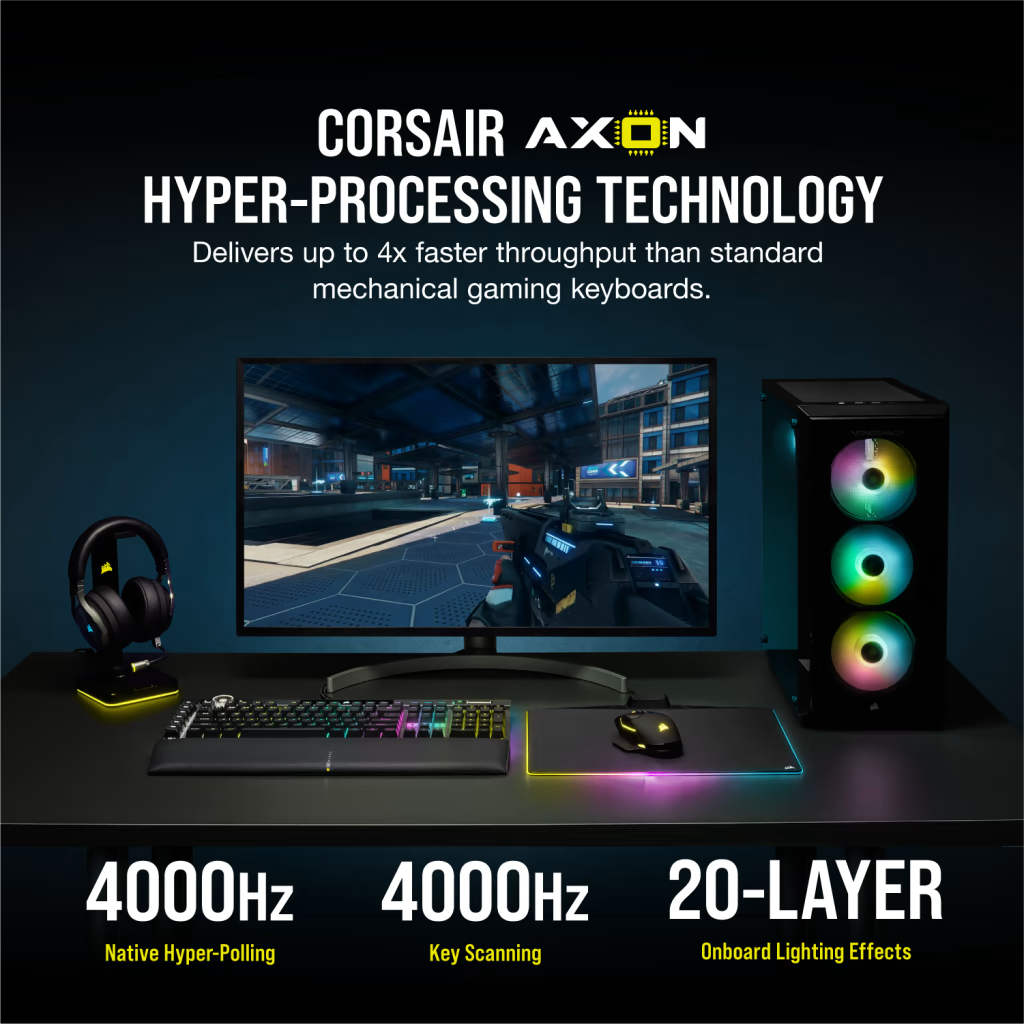
The 8000Hz polling rate shared with the SteelSeries Apex Pro places the K100 at the theoretical ceiling of current keyboard input reporting. At 8000 reports per second, the maximum latency between a keypress and the operating system receiving the input is 0.125ms — effectively imperceptible in isolation but relevant in the aggregate when combined with low-latency displays, mice, and low-ping network connections for competitive gaming.
Corsair (Manufacturer product image)
Full N-Key Rollover ensures no input is dropped regardless of how many keys are simultaneously held — a baseline requirement for competitive gaming that the K100 meets without qualification. The 1.0mm OPX actuation is among the fastest in production keyboards, registering inputs earlier in the keystroke travel than competitors with 1.5–2.0mm actuation points.
The 6 dedicated macro keys along the left edge enable complex command sequences, ability rotations, or scripted inputs to be bound to single physical keys with tactile confirmation. For MMO and MOBA players who benefit from deep macro configuration, the K100 provides more programmable real estate without displacing standard keys than most competitors.
Build Quality
The anodized brushed aluminum frame is the K100's construction showcase. The surface is machine-finished to a level of precision that makes direct contact feel less like consumer electronics and more like precision tooling. There is zero flex anywhere on the keyboard surface — pressing with full force produces no perceptible movement or acoustic change. The aluminum extends across the entire top surface, including the dedicated media zone above the numpad, which feels as solid as the main key area.
Corsair (Manufacturer product image)
At 1300 grams, the K100 is not moving accidentally. On a standard desk surface without a pad, the keyboard stays positioned through aggressive gaming sessions without drifting. The rubber feet on the underside provide additional purchase, and adjustable height feet allow two angle positions for typing preference.
The dual USB-A cable design means the keyboard occupies two host ports — one for the keyboard's data and power, one for the USB passthrough port on the keyboard body. The passthrough supports USB 2.0 and is positioned on the right side of the keyboard for convenient connection of headsets, USB drives, or secondary peripherals. This design is unusual but genuinely convenient for users with rear-panel-only USB configurations on their desktop.
RGB & Software
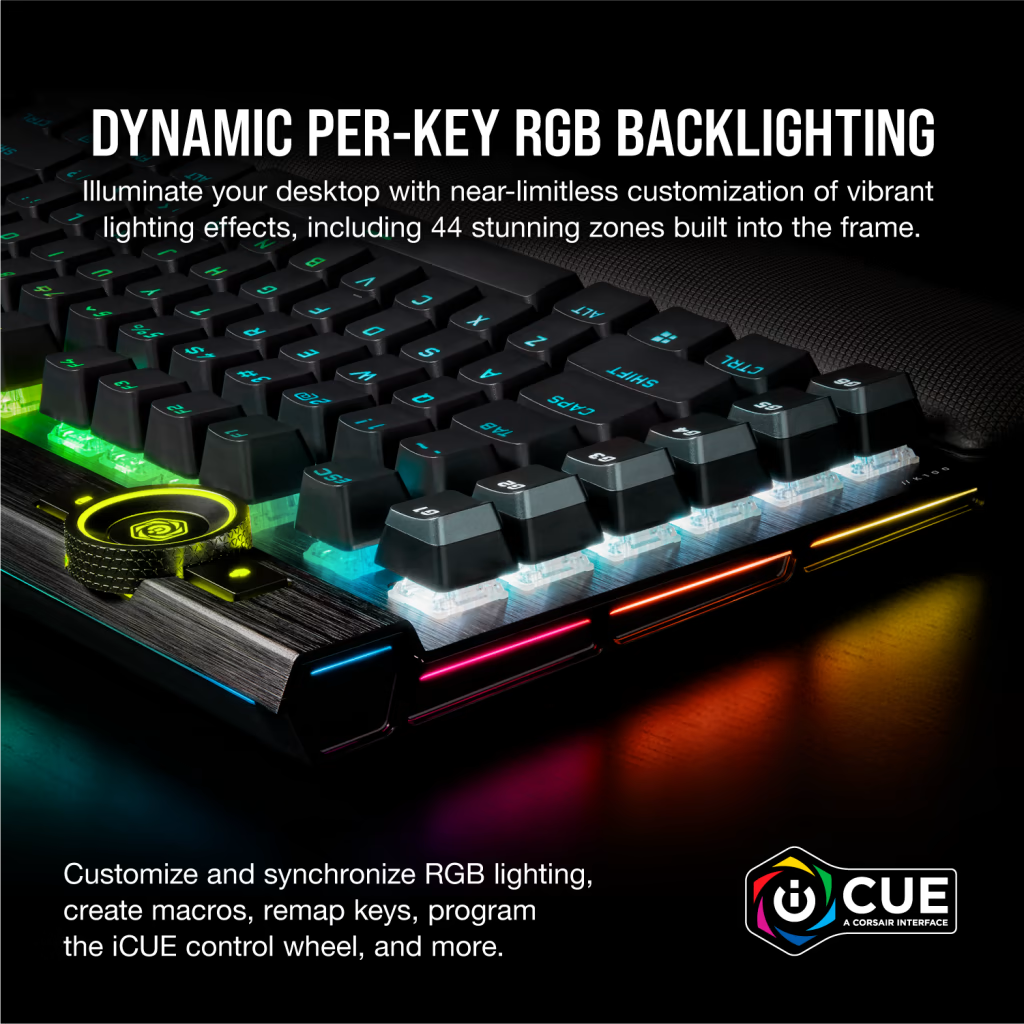
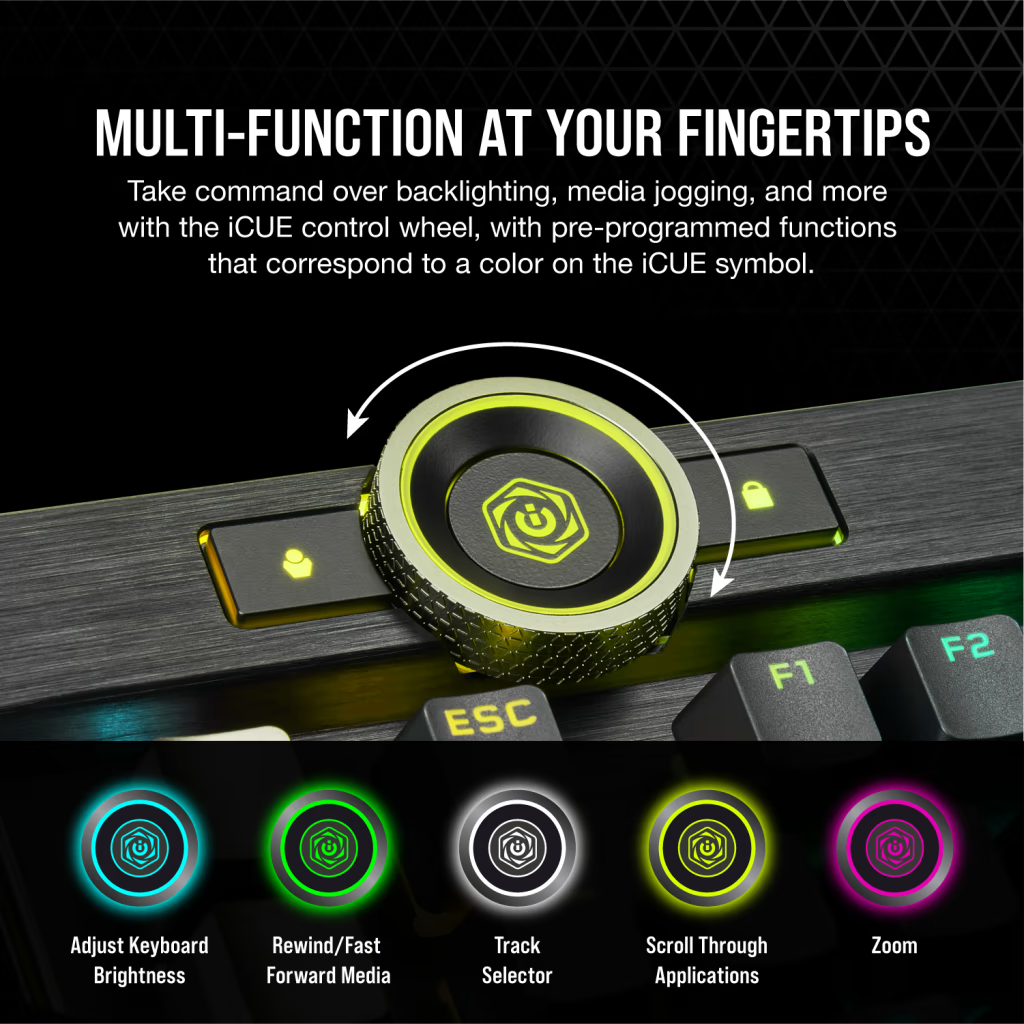
The 44-zone dynamic RGB system is the most sophisticated keyboard lighting implementation Corsair has produced, and it shows. The per-key LEDs are individually addressable with accurate color reproduction across the full spectrum, and the light diffusion through the translucent keycap legends is even and bright without hotspotting. The iCUE Control Wheel — a physical rotary dial with 6-zone RGB of its own — adds a dimension of ambient illumination and tactile interaction to the keyboard surface that no competing keyboard offers.
Corsair (Manufacturer product image)
Corsair iCUE software is the most feature-complete keyboard configuration platform available, enabling per-key lighting programming, game-specific profile automation, hardware synchronization across Corsair peripherals, and deep macro scripting. iCUE's integration with hundreds of game titles for dynamic lighting that responds to in-game events — health, ammo, ability cooldowns — represents the most developed game integration of any keyboard software platform.
The trade-off is resource consumption: iCUE is a background service that maintains constant device communication, and on systems with limited RAM or older processors, it can contribute to perceptible system load. On modern gaming systems with 16GB+ RAM, this is largely a non-issue.
Who Should Buy It?
The Corsair K100 RGB is the right keyboard for:
- Enthusiast and dedicated gaming setups where desk space accommodates a full-size layout and every feature is genuinely used
- MMO, MOBA, and strategy gamers who benefit from the 6 dedicated macro keys and deep iCUE programmability
- Corsair ecosystem users who have Corsair mice, headsets, or case lighting and want full iCUE RGB synchronization
- Streamers and content creators who want the most visually impactful keyboard available for on-camera or desk photography
- Performance-focused builders who want 8000Hz polling and optical switches with no compromise on build quality
The K100 is not the right choice for users with limited desk space who need a TKL or compact layout, buyers who prefer tactile switch feedback, or anyone for whom the $229 price point represents a meaningful financial stretch.
Verdict
The Corsair K100 RGB earns its flagship status by executing its ambitious feature list without meaningful compromise. The OPX optical switches are fast and durable, the 8000Hz polling is at the current production ceiling, the aluminum build is exceptional, and the 44-zone RGB with iCUE integration represents the current state-of-the-art in keyboard lighting systems. The iCUE Control Wheel is a genuinely useful physical interface that no competing keyboard matches.
The primary limitations — full-size footprint, linear-only switch option, and $229 price — are inherent to the product's positioning as a no-compromise flagship. For the gamer who wants one keyboard that does everything at the highest available specification, the K100 RGB is the recommendation.