Introduction
BenQ has built a reputation over two decades for making professional monitors that design studios, photographers, and video producers trust. The PD2725U represents the current apex of that tradition: a 27-inch 4K IPS display that combines Thunderbolt 3 connectivity, BenQ's factory-verified color calibration, a hardware hot key puck for workflow control, and the DualView mode that allows two distinct color profiles to be displayed side-by-side simultaneously. At $699, it is a premium investment — but one positioned for professionals whose time and work quality depend on accurate, reliable color output.
The PD2725U is not for gamers, not for casual users, and not for anyone who needs maximum brightness in a sun-lit office. It is built for designers, illustrators, photographers, and creative directors who need a display that disappears into their workflow — accurate, ergonomic, well-connected, and free of the compromises that make cheaper monitors frustrating over long working sessions.
Picture Quality & Display
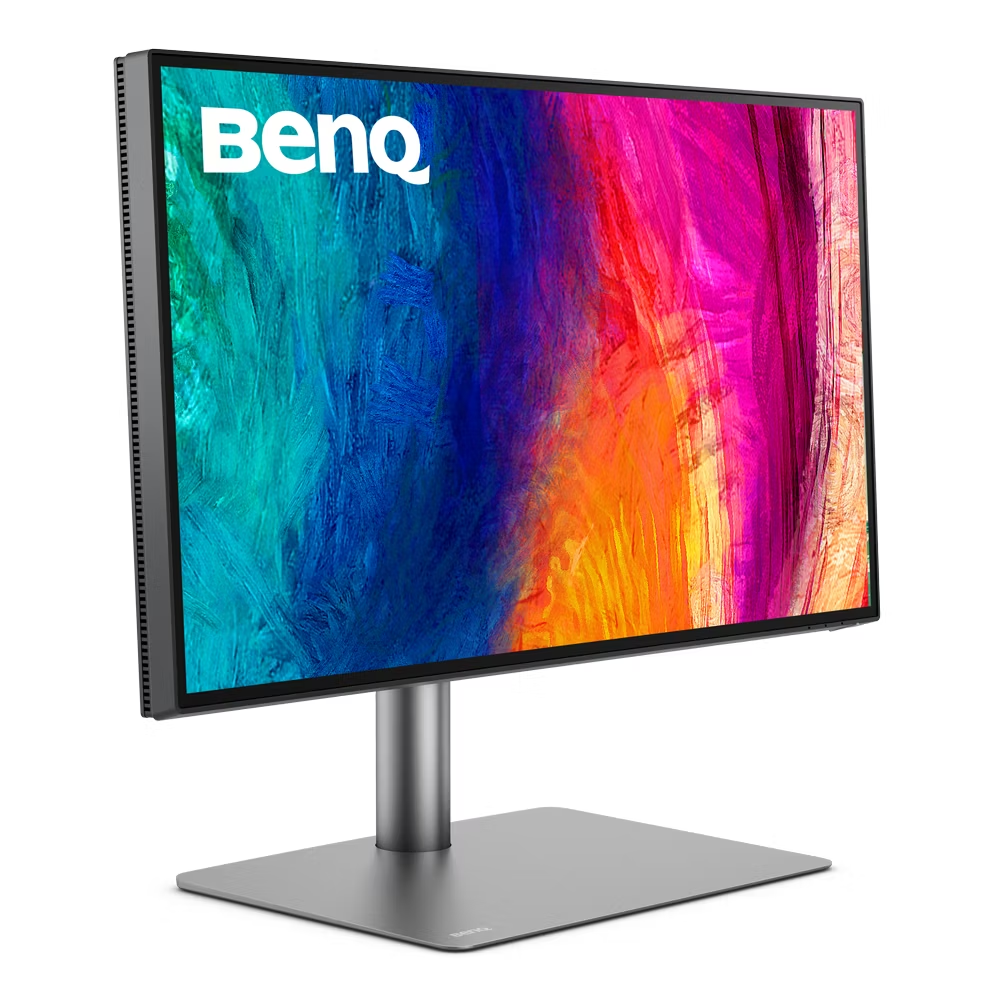
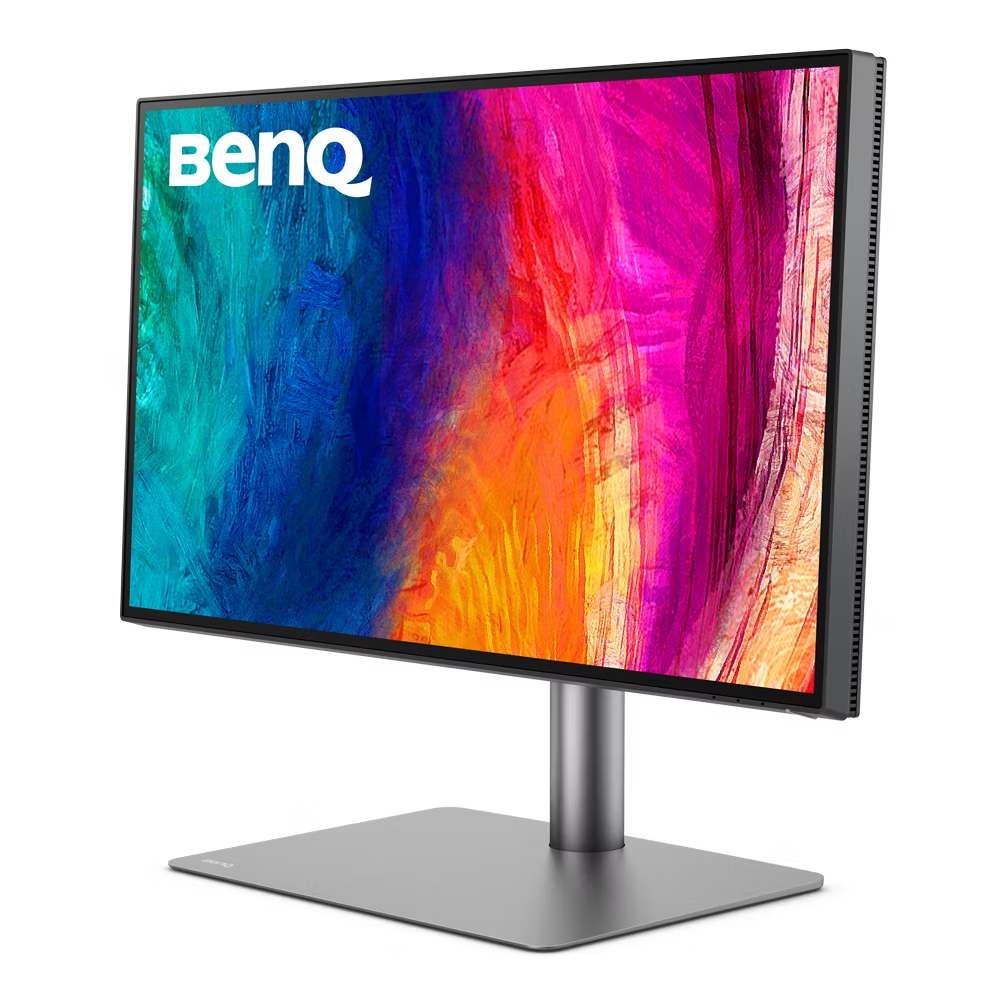
The PD2725U's 4K IPS panel is calibrated to BenQ's AQCOLOR standard before shipping, with a factory-measured Delta E average of ≤2 documented on a verification report included with every unit. The 163 PPI resolution renders text and fine artwork with the clarity that design professionals require — kerning and leading in typography work are visible at native size, image detail in RAW files is preserved without scaling blur, and 4K video reference monitoring is native.
BenQ (Manufacturer product image)
The 1200:1 contrast ratio is modestly above standard IPS levels, providing slightly more depth in shadows and richer dark tones than 1000:1 alternatives. In the context of design and illustration work, this translates to more believable dark color chips, richer shadow detail in product photography, and more accurate rendering of near-black neutral tones.
Brightness at 250 cd/m² typical is conservative compared to consumer monitors, and it will feel insufficient in brightly lit environments or against windows. BenQ's rationale is calibration stability: lower brightness targets are more uniformly achievable across the panel surface and maintain consistency over long-term use without drift. For environments with controlled lighting — which professional color work should ideally use — this is a reasonable trade-off.
Color Accuracy & Professional Use
The PD2725U's color science is its flagship capability. 100% sRGB and 100% Rec.709 coverage ensures complete gamut for digital photography, web design, broadcast video, and SDR content workflows. 95% DCI-P3 extends the gamut to cover most of the digital cinema color space, making it suitable for video content destined for streaming services.
BenQ (Manufacturer product image)
BenQ's DualView mode is a unique professional feature: the screen can be split into two independent halves, each displaying a different color mode simultaneously. A designer can view a design file in sRGB on the left and DCI-P3 on the right — comparing how an image appears across two different output color spaces in real time. For a creative director reviewing deliverables intended for both web and cinema distribution, this capability alone can justify the purchase.
The hot key puck included in the box is a physical controller that sits on the desk and provides direct hardware buttons for switching between preset color modes — sRGB, CAD/CAM, Animation, DualView, and custom user presets. Switching modes via the puck takes one button press and approximately two seconds, versus navigating four or five OSD menus on a standard monitor. For users who switch contexts multiple times per hour, the productivity gain is measurable.
Hardware calibration is fully supported via BenQ's Palette Master Element software, which reads a connected colorimeter or spectrophotometer and writes a correction LUT directly into the monitor's internal hardware. This ensures calibration accuracy persists independent of the host computer's GPU, driver state, or software environment.
Connectivity & Ergonomics
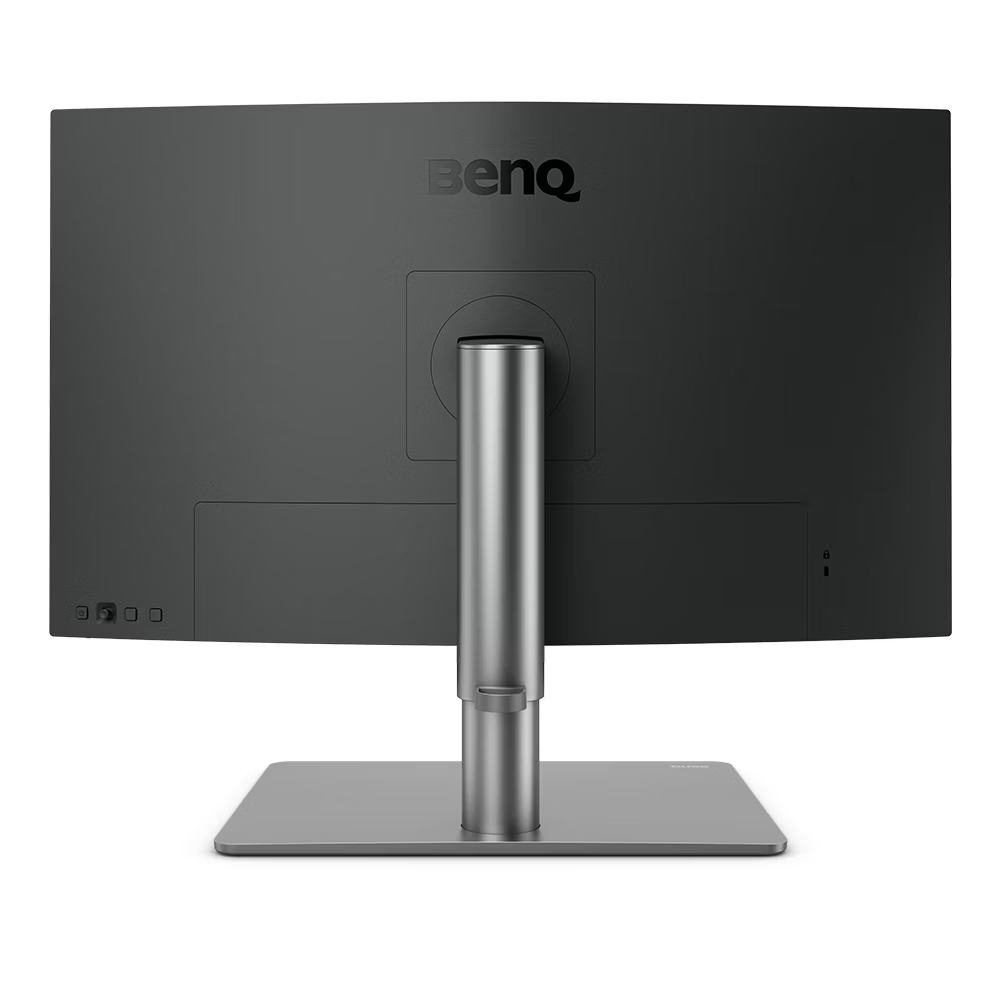
Dual Thunderbolt 3 ports are the PD2725U's most consequential technical feature. The first port acts as the primary display and dock connection, carrying 4K 60Hz video and 65W Power Delivery over a single cable from a compatible laptop. The second Thunderbolt 3 port supports daisy-chaining — connecting a second Thunderbolt-capable display or storage device directly from the monitor, eliminating the need for a separate hub or dock for most professional Mac workflows. For creative professionals working in Thunderbolt ecosystems — particularly macOS users — this native Thunderbolt support removes friction that cheaper monitors with USB-C-only connectivity cannot.
BenQ (Manufacturer product image)
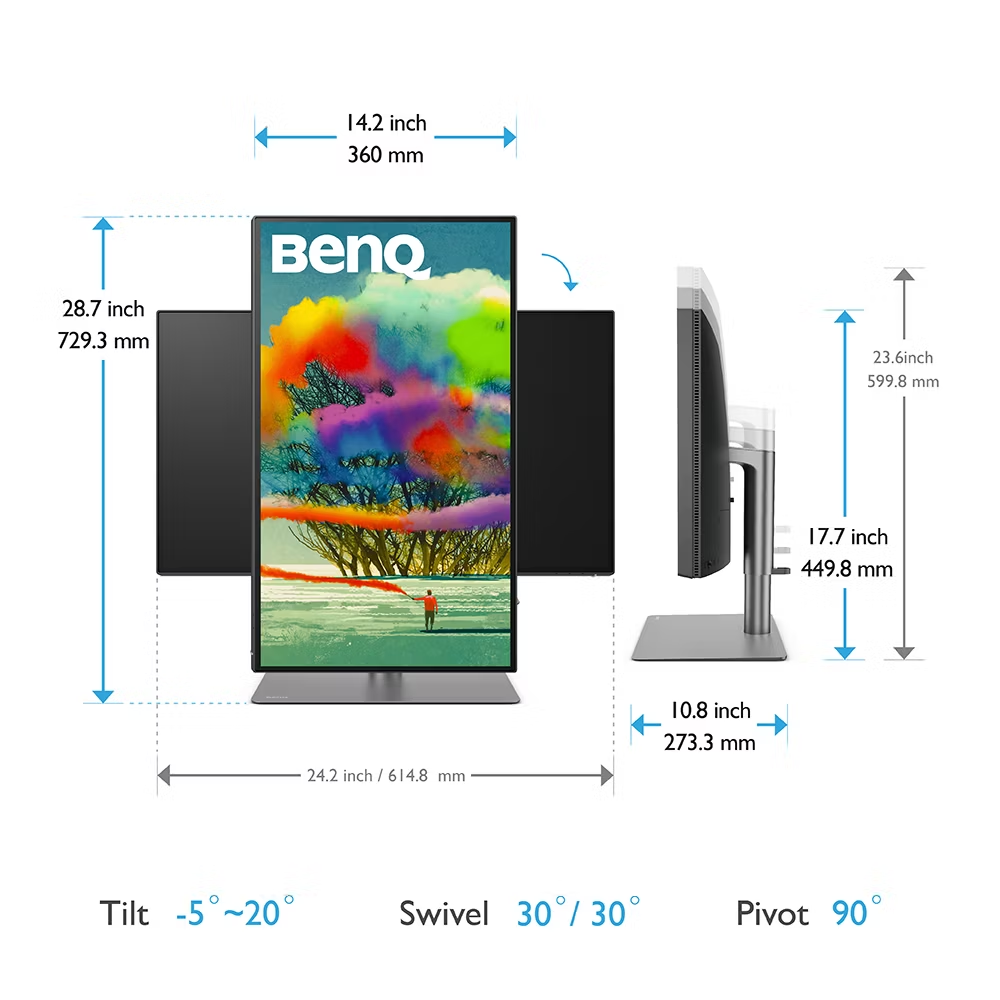
Two HDMI 2.0 inputs and a DisplayPort 1.4 output cover desktop workstations and secondary connections. The two USB-A 3.1 downstream ports provide hub functionality for peripherals, though users with many USB accessories will likely still need a separate hub. The ergonomic stand offers 130mm height adjustment, ±45° swivel, -5° to +20° tilt, and 90° portrait pivot. The industrial-clean chassis finish and cable management channel through the stand keep the desk environment tidy.
Who Should Buy It?
The BenQ PD2725U is built for creative professionals in Mac-centric workflows who depend on Thunderbolt 3 daisy-chaining, graphic designers and art directors who work across multiple color spaces daily and benefit from DualView mode, and studios or agencies where professional calibration infrastructure (hardware LUT, factory reports) is a requirement. It is not suitable for gaming, high-brightness working environments, or buyers whose work stays within sRGB where cheaper alternatives offer equivalent accuracy.
Verdict
The BenQ PD2725U is the most professionally complete 4K monitor under $700, and arguably the best designer-focused display at any price below reference-grade cinema monitors. Its Thunderbolt 3 daisy-chaining, hardware hot key puck, DualView mode, and BenQ's rigorously calibrated color science create a professional tool with no obvious omissions for its intended user. The 250 nits typical brightness and premium price are genuine limitations, but for professionals who depend on accurate, reliable color output in a Thunderbolt ecosystem, the PD2725U sets the standard.