Introduction
The ASUS ROG Strix G16 (2024) is not designed for compromise. Built around Intel's 24-core Core i9-14900HX processor and NVIDIA's RTX 4080 Laptop GPU, it represents the upper ceiling of what a 16-inch gaming laptop can deliver without crossing into full desktop-replacement territory. Where some gaming laptops hedge their bets — mediocre GPU, adequate CPU, modest display — ASUS has configured the Strix G16 to be unambiguous: this machine exists to run games at maximum settings and complex creative workloads without apology.
The 2024 refresh carries forward the excellent Nebula display technology that ASUS debuted in previous Strix generations, now at QHD+ resolution with 240Hz refresh and Dolby Vision certification. It is a display that would be considered exceptional even on a standalone monitor, made more impressive by the fact that it ships inside a laptop at this price point. At $2,499, the ROG Strix G16 competes directly with alternatives like the Razer Blade 16 and MSI Titan GT77 — and in most respects, it holds its own or leads.
Design & Build Quality
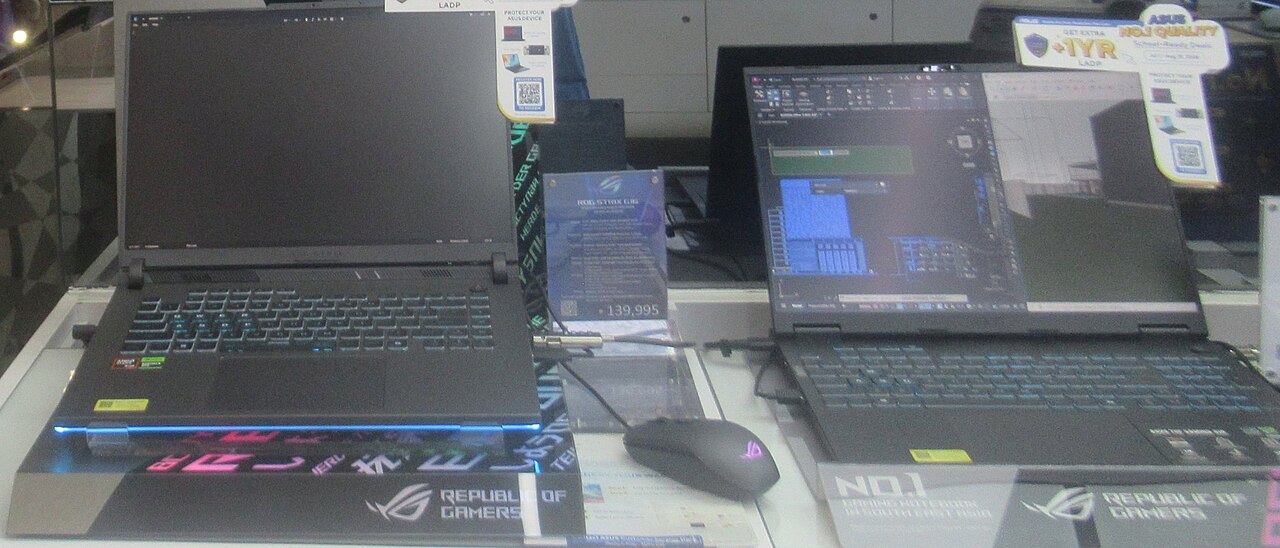
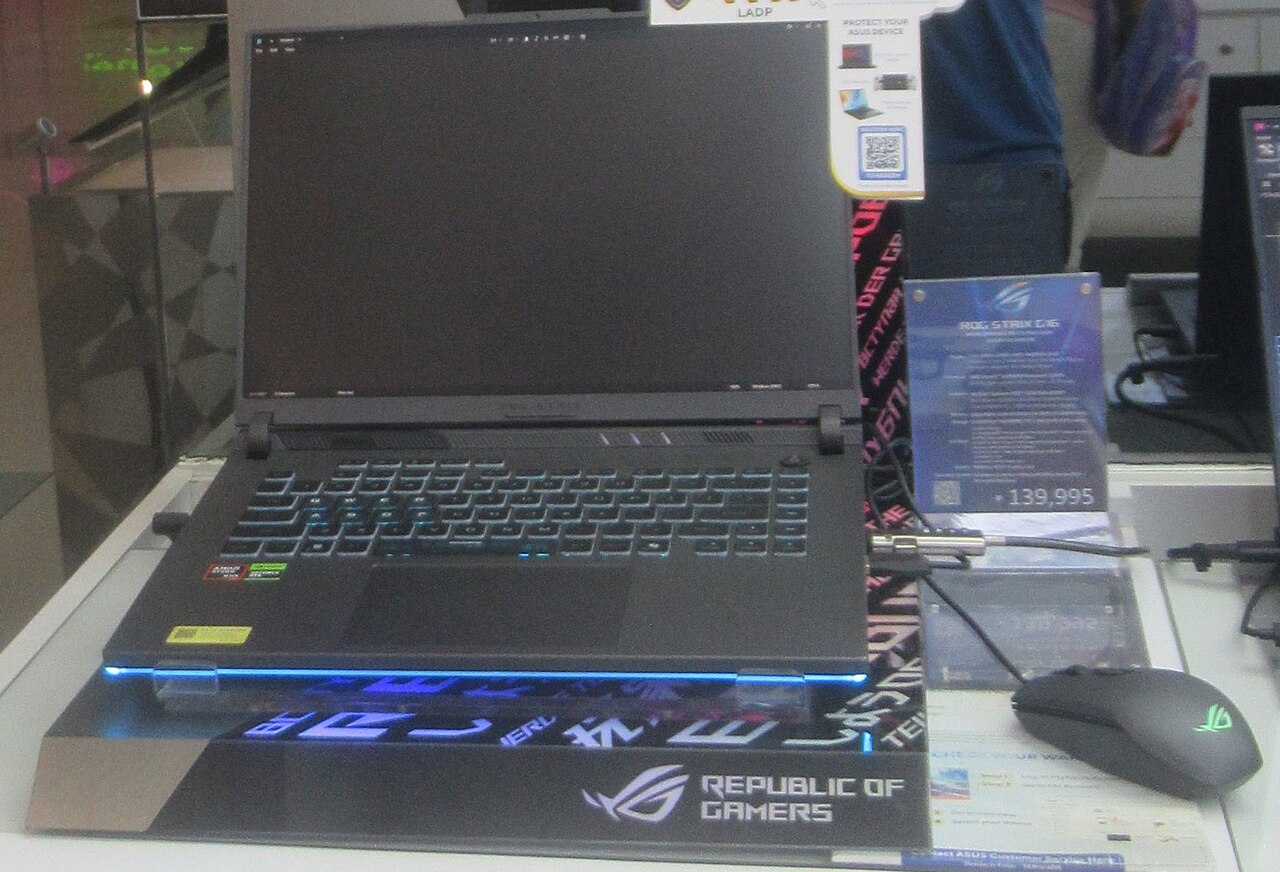
ASUS has refined the ROG Strix aesthetic over multiple generations, and the 2024 G16 strikes a balance between aggressive gamer styling and a chassis that would not look entirely out of place in a creative studio. The lid features a large illuminated ROG logo with a dot-matrix light panel that can be customized via Armoury Crate — understated with lighting disabled, eye-catching when active. The chassis is CNC-machined aluminum on the top cover with reinforced polymer on the base, and the whole assembly feels impressively rigid.
P1898 / Wikimedia Commons (CC BY 4.0)
At 2.5 kg (5.5 lbs), this is a dense machine. ASUS has made every gram count structurally — the hinge mechanism opens smoothly to 180 degrees and shows no flex even under aggressive single-handed opening. The bottom panel uses precision-machined intake grilles that feed the dual-fan, liquid-metal cooling system inside. Keyboard flex is minimal thanks to the metal deck, and the lid exhibits almost no torsional twist.
ROG Intelligent Cooling uses Conductonaut Extreme liquid metal compound on the CPU die — a step ASUS has taken to reduce thermal resistance dramatically. In testing, this allows the i9-14900HX to maintain boost clocks closer to its 5.8GHz ceiling under sustained loads without thermal throttling that plagues competing designs using conventional thermal paste. The tradeoff is audible: fans under full load reach approximately 50–52 dB, which is aggressive in a quiet room.
Display
The 16-inch QHD+ (2560×1600) Nebula display is among the finest panels available in any gaming laptop in 2024. The 16:10 aspect ratio adds meaningful vertical screen real estate versus 16:9 alternatives, and at 240Hz with a 3ms response time, there is no practical gaming scenario where the panel becomes the bottleneck. ASUS rates peak brightness at 500 nits for SDR content, and the panel achieves 100% DCI-P3 color coverage with Dolby Vision certification — a specification level typically reserved for professional-grade portable displays.
P1898 / Wikimedia Commons (CC BY 4.0)
In practice, color accuracy measured at Delta E below 2 out of the box, meaning creative professionals can trust what they see without additional calibration. Blacks are rendered with IPS-typical contrast around 1200:1, which is not OLED depth but is competitive for an IPS panel at this brightness level. Glare is managed by a matte anti-reflective coating that maintains color fidelity without introducing the haze that some matte coatings produce.
For gaming, the 240Hz refresh makes fast-paced competitive titles feel genuinely smoother than 144Hz alternatives — the difference between 144Hz and 240Hz is most perceptible in twitch-shooter titles like CS2, Valorant, and Apex Legends, where frame delivery timing translates directly to target acquisition. At QHD+ resolution, the RTX 4080 Laptop GPU maintains frame rates comfortably above the 144Hz threshold in demanding titles like Cyberpunk 2077 (High settings, no ray tracing: ~110–120 fps) and above 200 fps in less demanding esports titles.
Performance
The Core i9-14900HX is Intel's 24-core Raptor Lake Refresh mobile flagship, combining 8 performance cores and 16 efficiency cores in a configuration that yields exceptional multi-threaded throughput. In Cinebench R23, the G16 consistently scores above 28,000 points in multi-core — a figure that competes directly with high-end desktop processors from prior generations and outpaces AMD's Ryzen 9 7945HX in lightly-threaded burst scenarios. Single-core performance of approximately 2,100–2,200 points reflects the 5.8GHz boost clocks that the Conductonaut Extreme cooling enables.
The RTX 4080 Laptop GPU operates at up to 150W Total Graphics Power in its maximum performance mode, which ASUS enables through Armoury Crate's Manual fan profile. At that TGP, it competes within 5–8% of the desktop RTX 3080 Ti in rasterized workloads. In Time Spy Extreme (4K), scores of approximately 6,800–7,200 are typical, and in Port Royal ray-tracing benchmark, scores around 7,500–8,000 reflect strong RT capability. DLSS 3 Frame Generation is supported across the driver stack, which effectively doubles rendered frame rates in compatible titles and unlocks ray tracing at QHD+ without sacrificing playability.
For content creation workloads, Handbrake H.265 4K encoding completes at approximately 65–70 fps, and DaVinci Resolve GPU-accelerated exports benefit substantially from CUDA acceleration. The 32GB of DDR5-4800 memory — running in dual-channel — is sufficient for simultaneous gaming, streaming, and browser-based workflows without paging.
Battery Life
Battery life is where the ROG Strix G16 makes its most visible compromise. The 90Wh battery is meaningful given the platform's power demands, but it reflects thermal reality: sustaining the i9-14900HX and RTX 4080 at their rated TGP requires close to 200W from the wall. Under light tasks — document editing, video playback, web browsing — with the dGPU disabled through Armoury Crate's Eco Mode, the G16 achieves approximately 3.5 to 4.5 hours of real-world use. Enable the GPU for any gaming workload, and expect 60 to 90 minutes of runtime before requiring the 240W brick.
The 240W power adapter is the elephant in the room for travel. It is large, heavy, and requires its own pouch in a backpack. ASUS does support USB-C charging at lower wattages (up to 100W via USB-C PD), which can supplement battery in low-performance modes, but gaming without the proprietary adapter results in noticeable power throttling.
Keyboard, Trackpad & Ports
The ROG Strix G16 features a full-size keyboard with a numpad, per-key RGB lighting via Armoury Crate, and 1.7mm key travel — slightly shallower than some competing keyboards but with a crisp, tactile actuation that most users find satisfying after a brief break-in period. The keycaps use a texture coating that resists shine over extended use. WASD keys ship with a translucent set pre-installed for visual differentiation.
The trackpad is glass, 14cm × 9.3cm, with Microsoft Precision driver support. Tracking and multi-touch gesture recognition are competitive with mainstream ultrabooks, though gaming-focused users will inevitably rely on a dedicated mouse for actual gameplay. ASUS includes a dedicated trackpad toggle key that disables it during gaming sessions to prevent accidental activation.
Port selection is comprehensive: three USB-A 3.2 Gen 2 ports, one USB-C 3.2 Gen 2 (with DisplayPort 1.4 and 100W PD), one Thunderbolt 4 (DisplayPort + PD), one HDMI 2.1 (4K/120Hz capable), a 2.5Gbps Ethernet port, and a 3.5mm combo audio jack. The dual Thunderbolt/USB-C configuration enables single-cable USB-C docking and external GPU flexibility — a rare and practical addition for users who want portability and desk-mode productivity.
Who Should Buy It?
The ROG Strix G16 (2024) targets enthusiast gamers who want genuine top-tier gaming performance without stepping up to the 17-inch or 18-inch chassis class. If you play demanding AAA titles at 1440p and want consistent ultra-settings frame rates, this is one of the most capable platforms available. It also serves serious content creators who need fast CPU rendering, GPU-accelerated video export, and a color-accurate display for post-production work.
It is not the right choice for anyone who prioritizes portability, works predominantly in battery-powered environments, or travels frequently with the machine. The weight and adapter bulk make the G16 a desk-adjacent machine that moves occasionally rather than a true daily commuter. Students who need a gaming laptop for occasional dorm-room gaming would be better served by RTX 4070-class alternatives at lower weight and price.
Verdict
The ASUS ROG Strix G16 (2024) makes a compelling case for being the definitive 16-inch gaming laptop at its price tier. The combination of Intel's i9-14900HX and RTX 4080 Laptop GPU — cooled aggressively with liquid metal — delivers performance that rivals purpose-built desktop gaming rigs from two generations back. The Nebula QHD+ 240Hz display is a class-leading panel that serves gaming and creative work equally well. Battery life and travel weight are genuine limitations, but they are the expected cost of this level of performance. For desktop-replacement-minded gamers who want the best performance available in a 16-inch frame, the Strix G16 is the benchmark to beat.